

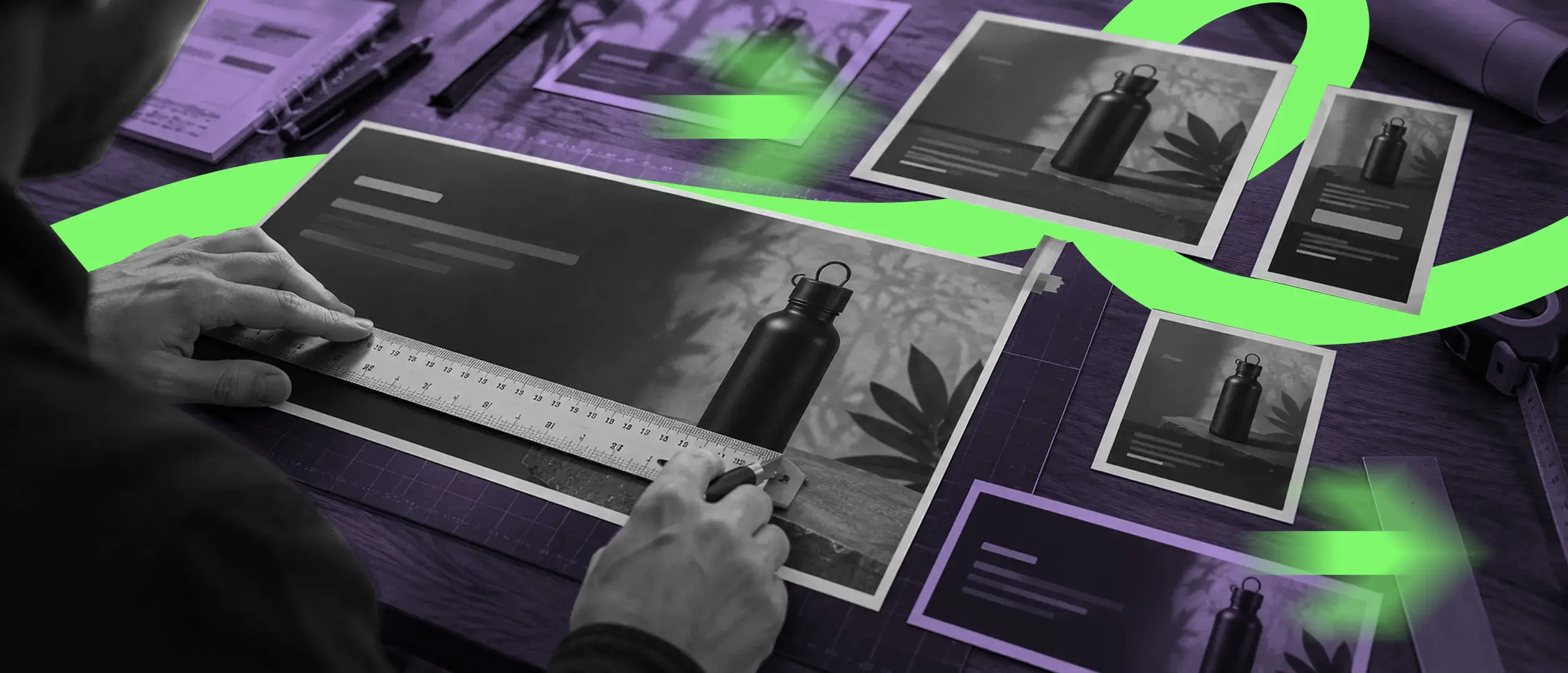
Getting banner sizes wrong on Shopify is one of the most common, and most avoidable, reasons a storefront looks unpolished. Stretched images, awkward crops on mobile, and slow load times from oversized files all trace back to the same root cause: not knowing the right dimensions for each placement. Here's the full breakdown.
Note: exact recommended sizes can vary slightly by theme. Always check your specific theme's documentation for placement-level guidance, but the sizes below cover the vast majority of standard Shopify themes.
Aim for 2560 x 1200px on desktop, roughly a 2:1 aspect ratio or wider, with a mobile-safe zone keeping key content within the center 1200px. Keep critical text and CTAs centered, since crop behavior on mobile varies by theme and can cut off content near the edges.
1600 x 500px is a solid default here. Collection banners are typically wider and shorter than the homepage hero, since they sit above a grid of products and don't need to dominate the page.
2048 x 2048px square is the safest bet. Shopify's own minimum is 800 x 800px, but higher resolution square images perform noticeably better with the zoom-on-hover functionality most themes include.
1200 x 800px works well, and it also happens to be a safe size for the Open Graph preview image that shows up when the post gets shared on social platforms.
Keep it to 600 x 200px. Email clients render narrower than the web, so anything wider just gets scaled down and can lose detail or clarity.
300 x 300px minimum as a transparent PNG, though SVG is strongly preferred wherever your theme supports it, since it stays sharp at any display size without needing multiple exported versions.
32 x 32px, or provide a 512 x 512px source file and let Shopify auto-generate the smaller sizes from it.
Dimensions are only half the story. Large, unoptimized image files are one of the most common causes of slow Shopify page load times, which directly affects both SEO and conversion rate. Try to keep individual images under 200-300kb where possible without sacrificing visible quality, use JPEG for photography and PNG for graphics that need transparency, and lean on WebP where your theme supports it for the best compression-to-quality ratio. Compressing before you upload, rather than relying on Shopify to do it for you, makes a real difference here.
One of the most frequent mistakes is uploading a desktop-sized hero banner and letting Shopify auto-crop it for mobile, which often cuts off key text or product focus without anyone noticing until a customer complains. Inconsistent aspect ratios across collection banners cause a similar problem, creating a visually jarring experience as shoppers browse from category to category. And skipping compression entirely is its own mistake, since it leads to slow page loads that hurt both bounce rate and Google's page experience ranking signals.
What size should a Shopify homepage banner be?
Roughly 2560 x 1200px for desktop, with important content kept within the center safe zone so it doesn't get cropped on mobile.
Does image size affect Shopify SEO?
Yes, indirectly. Large, unoptimized images slow page load speed, which is a ranking factor and also affects conversion rate directly.
Should I use PNG or JPEG for Shopify product photos?
JPEG for standard photography (smaller file size, good quality). PNG only when you need transparency, since PNG files are typically much larger.
No recruiting, no onboarding, no overhead. Just on-demand creative capacity that grows with your business and adapts to your needs.




.svg)