

Creative work shouldn’t feel like a scavenger hunt. But for many teams, feedback lives in one place, files live in another, and task updates are scattered across threads and tools. The result is predictable: slower approvals, repeated questions, version confusion, and a workflow that eats time. The NoLimit platform brings tasks, brands, source files, and communication into one place, so teams can move from chaos to control.
Most teams don’t notice how much time they lose to fragmented collaboration until they’re deep in delivery mode. A quick request turns into a chain of messages. A file link gets buried. Someone asks for the latest version. The same question gets answered twice. Then approvals slow down because nobody is fully sure what’s final.
When that happens regularly, it creates a hidden tax on your team:
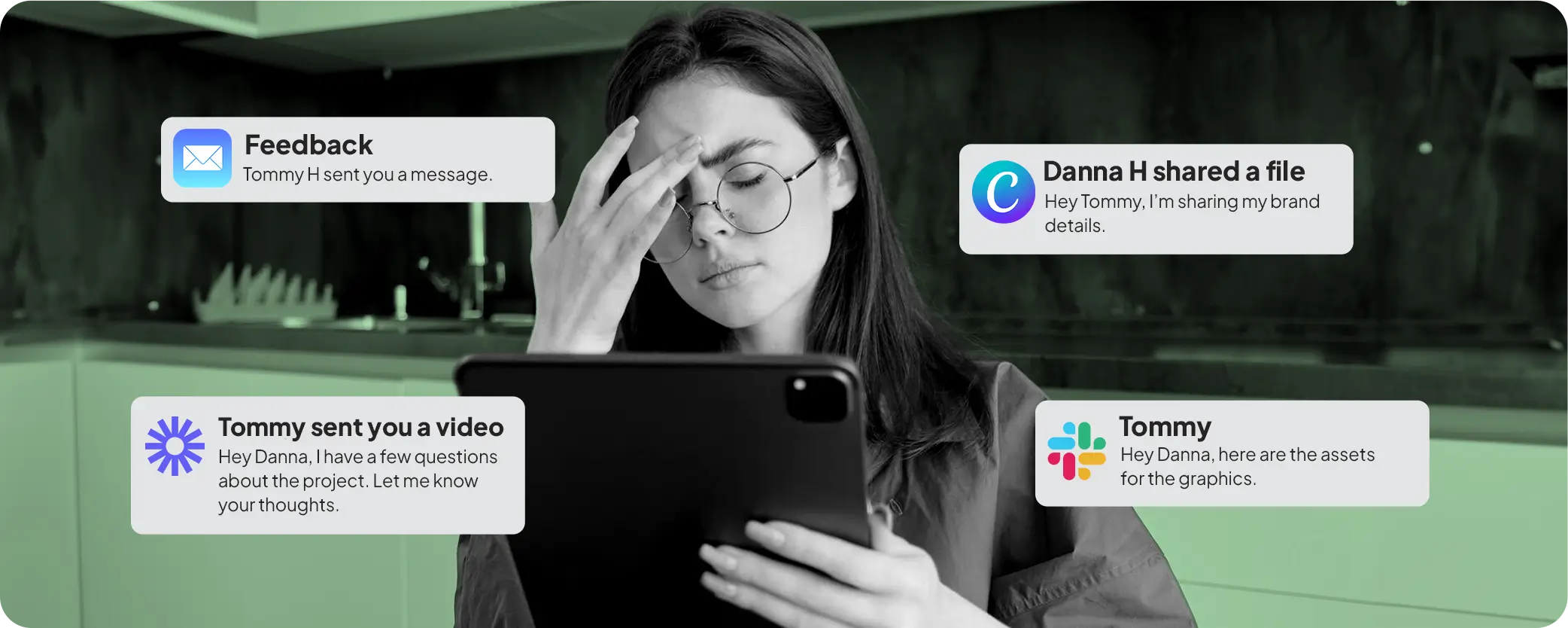
Feedback is often spread across Slack threads, emails, comments, and meetings. Even when everyone is trying to be clear, important context gets lost.
That leads to:
Even organized teams fall into the “which folder is it in?” loop. A single campaign can live across Drive folders, Dropbox, project boards, and random links in chat. Multiply that by multiple brands or clients and it gets messy fast.
The result is predictable:
Approvals are rarely delayed because people don’t care. They’re delayed because clarity is missing:
When the workflow is scattered, approvals become friction instead of a final check.
Control doesn’t mean more meetings or stricter processes. It means fewer unknowns.
A high-output creative workflow needs:
When those pieces are connected, teams move faster without burning time on coordination.
The NoLimit platform was designed to reduce the most common friction points: task overload, scattered feedback, and file chaos.
Instead of juggling multiple tools to manage one request, you get a central workflow where everything stays connected.
You can track what’s in progress, what’s waiting on feedback, and what’s ready for review without guessing or chasing updates. That means fewer “Where are we on this?” messages, and more time spent moving work forward.
When teams manage multiple brands, consistency depends on access and organization. The platform keeps work tied to the right brand context and the right files, so you don’t lose time hunting for source assets or re-sharing the same links.
Constant collaboration only works when communication is easy to follow. The platform supports a cleaner feedback loop so questions get answered faster, decisions stay visible, and the team can act with clarity.
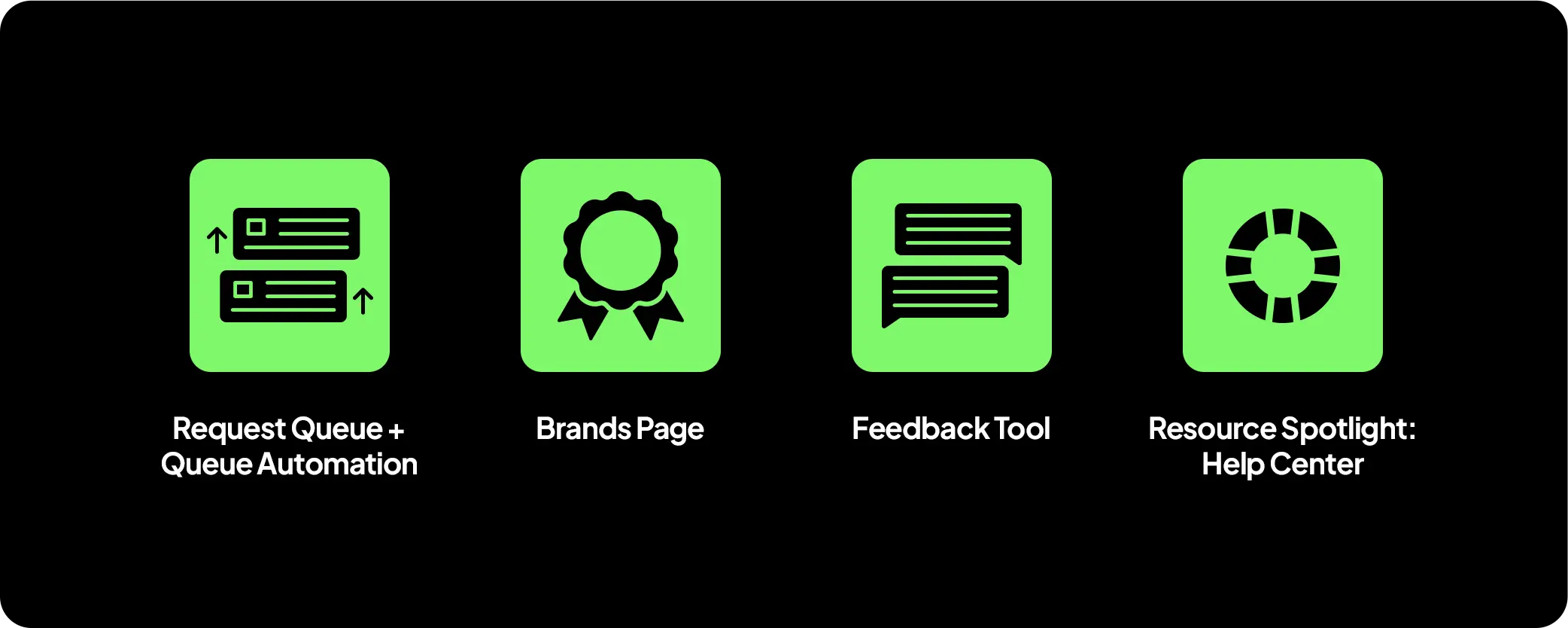
Request Queue + Queue Automation
Organize queued requests by priority, then let the platform do the rest. When an active slot opens up, the next request automatically moves into active, so work keeps moving without manual follow-ups. This lets teams submit requests in bulk, reorder priorities anytime, and come back later to review designs knowing the pipeline never stalls.
Feedback Tool (On-design comments + annotations)
Give feedback directly on the design with precise comments and annotations, so nothing gets lost in threads or vague notes. Each comment becomes a clear checklist for your designer, reducing guesswork and back-and-forth. The result is faster revisions, higher accuracy, and final outputs that stay aligned with what you approved.
Brands Page (Coming soon)
A centralized space to capture and organize brand identity for each client or product, so every request has the right context from the start. By giving design teams clear, structured brand guidelines in one place, it helps keep assets consistent, on-brand, and aligned from the first iteration, which leads to stronger outputs and fewer revision cycles.
Resource Spotlight: Help Center
Need quick answers or setup guidance? Our Help Center is packed with practical guides and Customer Success resources so teams can onboard faster, resolve issues quickly, and keep work moving with confidence.
When tasks, feedback, and files live in one connected workflow, the benefits show up quickly:
It’s not about adding complexity. It’s about removing friction.
The platform is especially helpful for:
If your creative workflow lives across five tools, you’re not just losing time. You’re losing clarity. And clarity is what keeps production moving.
You don’t need more platforms. You need one workflow that keeps tasks, feedback, files, and communication connected. That’s the difference between creative chaos and real control.
No recruiting, no onboarding, no overhead. Just on-demand creative capacity that grows with your business and adapts to your needs.




.svg)